

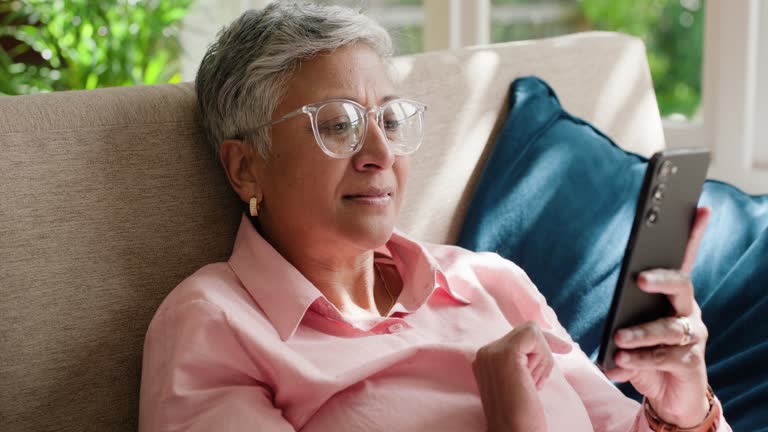
Staying connected is essential for everyone, but especially for seniors who may value straightforward communication without the complexity of modern smartphones. Simple mobile phones for older adults are designed to make calling and texting easy, with features that prioritize usability, safety, and comfort. Whether for daily check-ins, emergencies, or just keeping in touch with loved ones, these devices offer peace of mind and independence.
Many seniors prefer devices that are easy to operate, with large buttons, clear displays, and minimal distractions. Choosing the right phone can make a significant difference in daily life, supporting both communication and confidence. For those interested in making other aspects of home life more accessible, you might also find value in learning how to choose a recliner for a senior who lives alone.
Why Choose User-Friendly Phones for Seniors?
Many older adults find traditional smartphones overwhelming due to small icons, complex menus, and unnecessary features. Easy-to-use mobile phones are designed with simplicity in mind, focusing on the essentials: making calls and sending texts. These devices often include:
- Large, tactile buttons for easy dialing
- High-contrast screens with big fonts
- Clear, loud speakers for better hearing
- Minimal menu options to reduce confusion
- Long battery life for reliability
- Emergency call buttons for added safety
For seniors with vision or dexterity challenges, these features can make all the difference. The goal is to remove barriers and support independent communication, whether at home or on the go.
Key Features to Look For in Senior-Friendly Mobile Phones
When evaluating simple mobile phones for older adults, it’s important to focus on features that enhance usability and safety. Here are some of the most valuable elements to consider:
- Big, Backlit Keypads: Large buttons with good spacing help prevent dialing errors and are easier to see in low light.
- Clear Display: High-contrast screens with adjustable font sizes improve readability for those with vision impairments.
- Hearing Aid Compatibility: Many models are designed to work seamlessly with hearing aids, reducing feedback and distortion.
- Simple Menus: Streamlined navigation with minimal options makes it easy to find contacts or send a message.
- Emergency Features: Dedicated SOS buttons or speed dial for emergency contacts provide extra security.
- Long Battery Life: Devices with extended standby and talk time reduce the need for frequent charging.
Some phones also include additional tools like flashlights, FM radios, or basic cameras, but these are optional and should not compromise the core simplicity of the device.
Popular Types of Easy-to-Use Phones for Seniors
There are several categories of mobile devices designed specifically for older adults. Each type offers unique advantages depending on the user’s needs and preferences:
- Flip Phones: These classic devices are compact, durable, and easy to open and close. They usually feature large keypads and simple displays.
- Bar Phones: Straightforward, candy-bar shaped phones with physical buttons and minimal features.
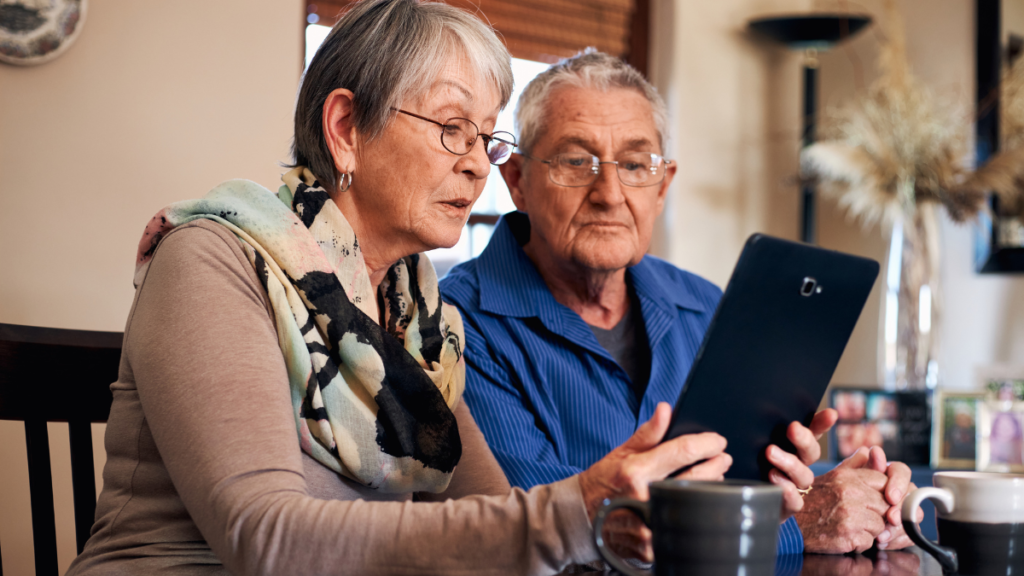
- Senior Tablets: Devices like the GrandPad offer touchscreens with simplified interfaces, large icons, and pre-installed apps for calling, video chatting, and emailing.
- Basic Smartphones: Some manufacturers offer stripped-down smartphones with senior-friendly launchers, larger icons, and voice assistance.
When selecting a device, consider the user’s comfort with technology, vision and hearing needs, and whether they prefer physical buttons or touchscreens.
Benefits of Simple Mobile Phones for Older Adults
Choosing a device tailored for seniors can provide a range of practical advantages:
- Reduced Learning Curve: Minimal features mean less time spent learning and more time staying connected.
- Enhanced Safety: Emergency buttons and easy access to contacts help in urgent situations.
- Improved Accessibility: Large buttons and clear displays support those with vision or dexterity challenges.
- Peace of Mind: Family members can feel confident that their loved ones can reach out easily when needed.
- Affordability: Basic phones are often more budget-friendly than full-featured smartphones, both in upfront cost and ongoing service fees.
For those interested in exploring more about accessible technology for seniors, the best phones for seniors guide provides additional recommendations and insights.

How to Select the Right Device for Your Needs
Finding the best fit involves considering both the user’s abilities and their daily routines. Here are some tips to help narrow down the choices:
- Assess Comfort with Technology: If the user is new to mobile phones, a flip or bar phone may be ideal. For those open to touchscreens, a simplified tablet or smartphone could be suitable.
- Consider Physical Needs: Look for large buttons, loud speakers, and hearing aid compatibility if needed.
- Prioritize Safety Features: Emergency call buttons and GPS tracking can be valuable for peace of mind.
- Check Battery Life: Seniors may forget to charge devices regularly, so long battery life is a plus.
- Review Service Plans: Some phones are sold with prepaid plans or no-contract options, which can be more affordable and flexible.
It’s also helpful to involve the senior in the decision-making process, ensuring the device feels comfortable and intuitive to them from the start.
Additional Tips for Supporting Senior Phone Users
Once you’ve chosen a suitable device, a few extra steps can help maximize its benefits:
- Pre-program Important Contacts: Add family, friends, and emergency services to speed dial or favorites.
- Adjust Settings: Increase font size, volume, and screen brightness for better visibility and hearing.
- Provide a Quick Reference Guide: Write down simple instructions for making calls, sending texts, and using emergency features.
- Regularly Check the Device: Ensure the phone is charged, functioning, and up to date.
- Encourage Practice: Spend time practicing key functions together to build confidence.
For more ways to make daily living easier, consider reading about the benefits of a simple one-touch remote for seniors.
FAQ About Mobile Phones Designed for Older Adults
What makes a phone senior-friendly?
A senior-friendly phone typically features large buttons, a clear display, loud speakers, simple menus, and emergency call options. These design choices help reduce confusion and make communication easier for those with vision, hearing, or dexterity challenges.
Are there mobile phones with medical alert features?
Yes, many easy-to-use phones for seniors include dedicated SOS or emergency buttons. Pressing these can call pre-set contacts or emergency services. Some models also offer GPS tracking for added safety.
Can older adults use basic smartphones?
Absolutely. Some seniors are comfortable with touchscreens and benefit from simplified smartphones or tablets with large icons and voice assistance. However, for those who prefer physical buttons and minimal features, flip or bar phones are often a better fit.
How do I help a senior get started with their new phone?
Set up the device with important contacts, adjust accessibility settings, and provide a written quick-start guide. Practicing key functions together can help build confidence and ensure the phone is used effectively.