


Staying connected is essential for older adults, but for those who use hearing aids, finding the right mobile device can be challenging. Smartphones with hearing aid compatibility are designed to make conversations clearer and everyday tasks more accessible. These devices reduce interference, amplify important sounds, and often include features tailored for ease of use. For seniors, choosing a compatible phone can mean the difference between frustration and effortless communication.
In this guide, we’ll explore what makes a phone suitable for hearing aid users, highlight top models, and offer tips for selecting a device that fits both lifestyle and hearing needs. If you’re also interested in comfort at home, you may want to read about how to choose a recliner for a senior who lives alone for additional support and well-being.
Understanding Hearing Aid Compatibility in Mobile Devices
When searching for phones that work well with hearing aids, it’s important to know what “hearing aid compatibility” (HAC) means. In the United States and many other countries, mobile phones are rated for their ability to work with hearing aids without causing buzzing, static, or feedback. These ratings are:
- M Rating (Microphone): Indicates how well the phone works with hearing aids in microphone mode. The scale runs from M1 (least compatible) to M4 (most compatible).
- T Rating (Telecoil): Shows compatibility with hearing aids using a telecoil. The scale is T1 to T4, with T4 being the best.
For most seniors, a device rated M3/T3 or higher is recommended for clear calls and minimal interference. Many modern smartphones meet or exceed these standards, but checking the HAC rating before purchase is crucial.
Key Features to Look for in Senior-Friendly Phones
Beyond hearing aid compatibility, seniors may benefit from additional features that make daily use easier and safer. Consider the following when choosing a device:
- Large, bright display: Bigger screens with high contrast help with visibility.
- Simple interface: An intuitive menu and larger icons reduce confusion.
- Physical buttons: Some models offer tactile buttons for easier dialing and navigation.
- Emergency call functions: Quick-access SOS buttons can provide peace of mind.
- Long battery life: Reduces the need for frequent charging.
- Voice commands: Hands-free operation is useful for those with dexterity challenges.
Manufacturers like Doro and Jitterbug focus on these needs, offering devices that are both accessible and reliable. For a closer look at senior-friendly options, you can explore Doro’s range of accessible smartphones.
Top Picks: Phones Designed for Hearing Aid Users
Several models stand out for their excellent performance with hearing aids and senior-focused design. Here are some of the best choices available today:
-
Doro 8100
This device is specifically engineered for older adults. It features a simple interface, large icons, and an M4/T4 HAC rating. The Doro 8100 also includes an assistance button for emergencies and a robust battery. -
Jitterbug Smart4
Known for its easy-to-use design, the Jitterbug Smart4 offers a large screen, voice typing, and a dedicated urgent response button. It’s compatible with most hearing aids and provides clear, amplified sound. -
Apple iPhone SE (3rd Gen)
Apple’s iPhones are highly rated for accessibility. The SE model is affordable, compact, and supports M3/T4 hearing aid compatibility. Features like VoiceOver and Live Listen make it a strong choice for those with hearing loss. -
Samsung Galaxy A14
This Android phone combines affordability with strong accessibility features. It has a large display, customizable settings, and is rated M3/T3 for hearing aid use. -
Google Pixel 7a
Google’s Pixel series is known for clean software and frequent updates. The Pixel 7a supports hearing aid streaming and offers an M3/T4 rating, making it suitable for most users.
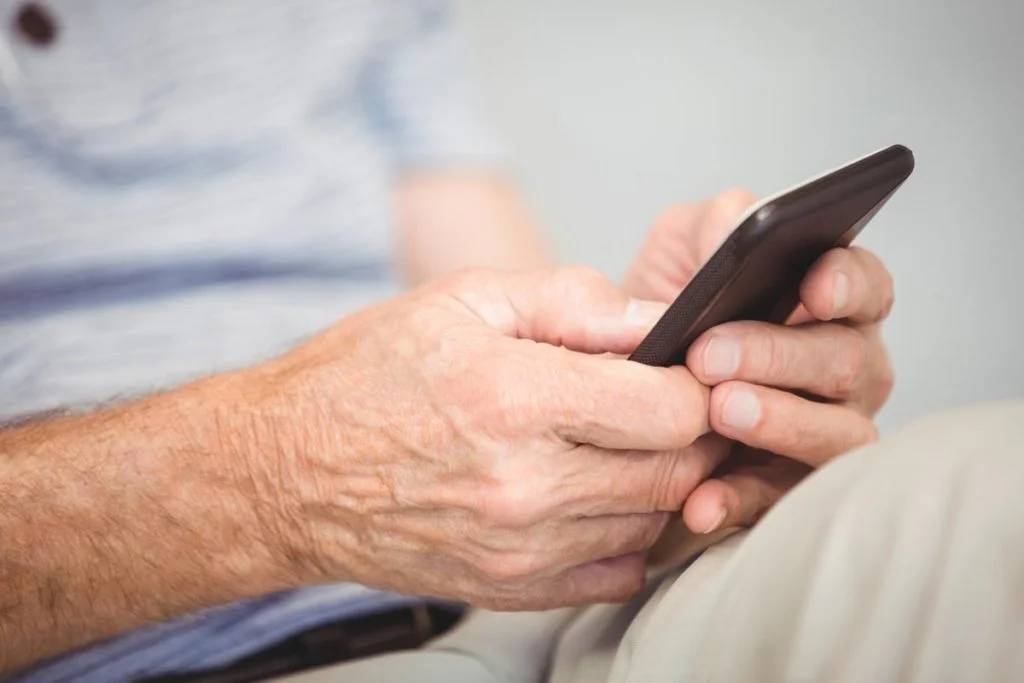
How to Pair Your Hearing Aid with a Smartphone
Pairing your hearing aid with a mobile device can unlock features like direct audio streaming and hands-free calling. Here’s a step-by-step overview:
- Ensure your hearing aid supports Bluetooth or telecoil connectivity.
- On your phone, go to Settings > Bluetooth and enable Bluetooth.
- Put your hearing aid in pairing mode (refer to your hearing aid’s manual).
- Select your hearing aid from the list of available devices on your phone.
- Follow on-screen prompts to complete pairing.
Some phones, like iPhones, offer additional accessibility settings for customized sound profiles and streaming options. Android devices may require a companion app from the hearing aid manufacturer for full functionality.
Tips for Maximizing Accessibility and Comfort
Getting the most out of your hearing aid compatible smartphone involves more than just pairing devices. Here are a few practical tips:
- Adjust volume and sound settings for clarity without distortion.
- Use speakerphone or headphones when possible for added comfort.
- Explore built-in accessibility features such as live captions, magnification, and voice commands.
- Keep your device updated to benefit from the latest accessibility improvements.
- Consider a protective case with grip or stand for easier handling.
For those who spend a lot of time at home, combining a user-friendly phone with other accessible products—like a supportive recliner—can greatly improve daily life. If posture or balance is a concern, check out our advice on how to choose a recliner for a senior with poor posture or how to choose a recliner for a senior with balance issues.
Frequently Asked Questions
What does hearing aid compatibility mean on a smartphone?
Hearing aid compatibility refers to a phone’s ability to work with hearing aids without causing interference, buzzing, or feedback. Devices are rated on the M (microphone) and T (telecoil) scales, with higher numbers indicating better performance for users with hearing aids.
Are all smartphones compatible with hearing aids?
No, not every phone is optimized for use with hearing aids. While many modern devices offer some level of compatibility, it’s important to check the HAC rating (M3/T3 or higher is recommended) before purchasing. Some brands, like Doro and Jitterbug, specifically design phones for seniors and hearing aid users.
Can I stream calls and music directly to my hearing aids?
Many newer hearing aids and smartphones support direct audio streaming via Bluetooth. This allows calls, music, and notifications to be sent straight to your hearing aids for improved clarity. Check your hearing aid’s specifications and your phone’s accessibility settings to enable this feature.
What other accessibility features should seniors look for?
Besides hearing aid compatibility, seniors may benefit from large displays, simple interfaces, emergency call buttons, and voice command capabilities. Exploring these features can make daily use safer and more comfortable.
Conclusion
Choosing the right smartphone for hearing aid users can significantly improve communication, independence, and quality of life for seniors. By focusing on HAC ratings, senior-friendly features, and reliable brands, you can find a device that meets both hearing and lifestyle needs. For more tips on accessible living, explore related guides on this site, including advice on using a recliner with a cushion for extra height and the benefits of a simple one-touch remote for seniors.